For only €63
Germany-Ticket
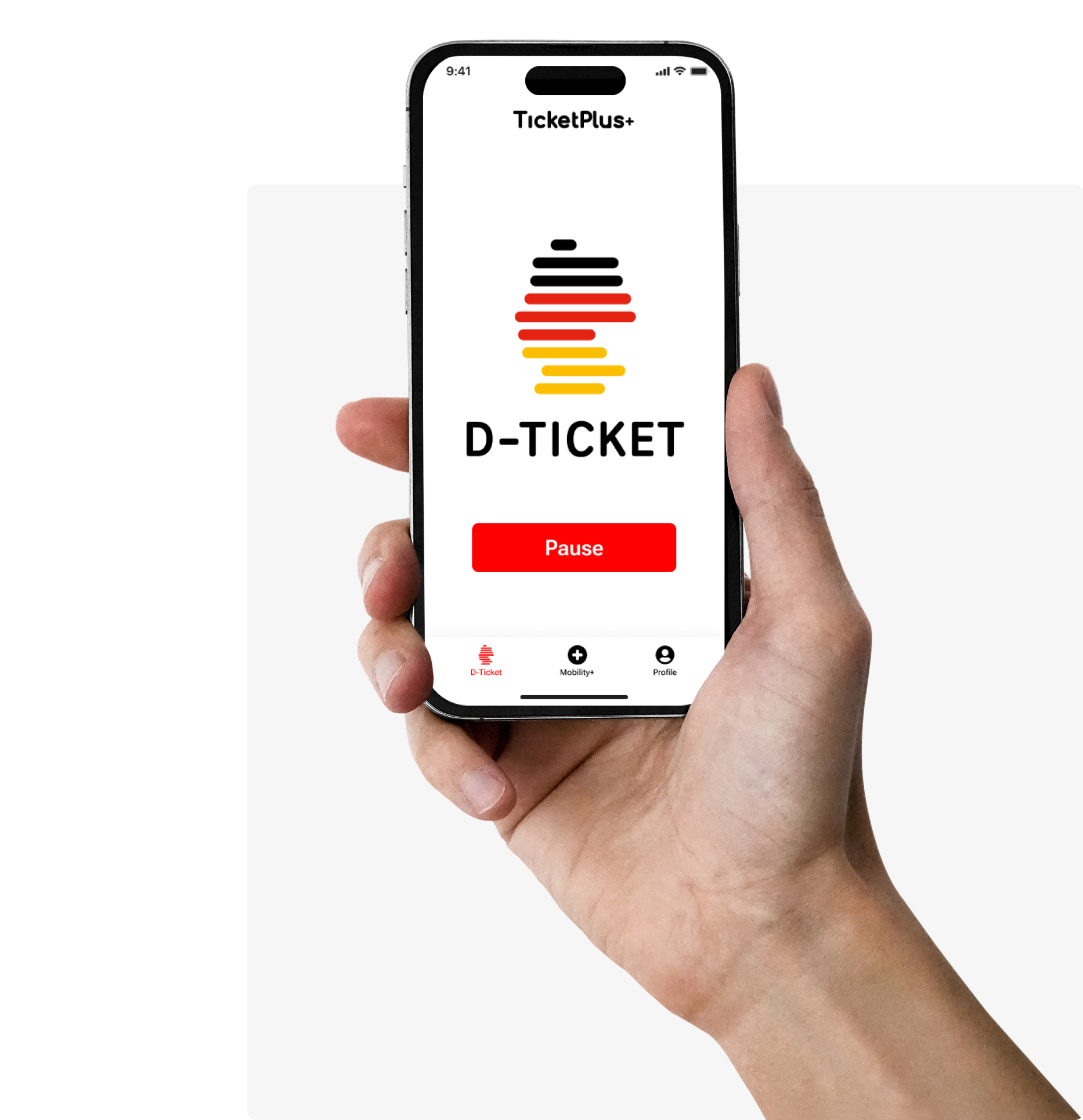
Pause monthly.
Free Sharing Services.
€20 new customer bonus.
Germany-Wide
Only €63/month for Germany wide: U-Bahn, S-Bahn, bus, tram and all regional trains.
Sharing Services
Up to 15 free minutes and 3 unlocks worth €7 per month for car sharing, scooter and e-bike sharing (MILES, Lime, dott and Bolt). For free.
Apple & Google Pay & PayPal
1-click checkout: Buy your official Germany ticket online in 30 seconds with Apple and Google Pay or PayPal.
€20 new customer bonus*
Get up to €20 for e-bikes/scooters (Dott, Bolt, Lime). Vouchers only valid in the month of purchase. No hidden costs.
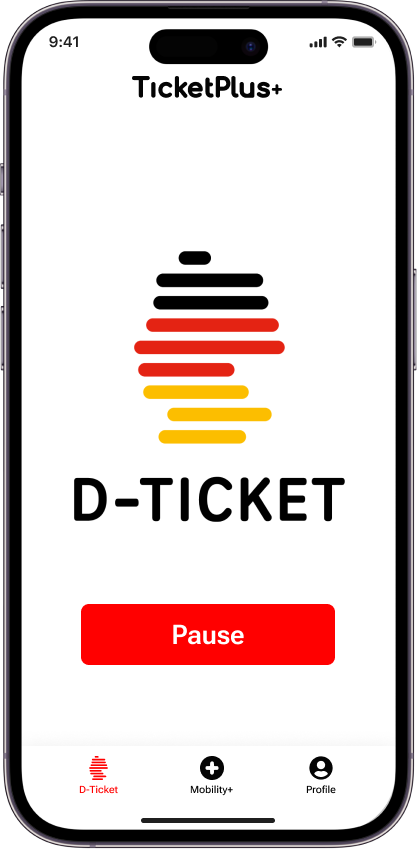
PAUSE-BUTTON
Pause whenever you want.
New
Pause your subscription up to 24 hours before the end of the month with just one click.
Fully flexible
Pause whenever you want. Without annoying notice periods.
Only pay when you use the ticket.
Great for short-term use, vacations, or occasional commutes.
*€20 new customer bonus:
This is how it works!
1. Subscribe to the newsletter
Sign up below for our newsletter (click "Redeem Now" button) and confirm your email address to activate your bonus claim.
2. Buy Germany ticket
Purchase your Germany ticket here with just a few clicks.
3. Receive a €20 voucher
As a thank you for your purchase, you will find a voucher worth €20 directly in our TicketPlus+ app.
4. Redeem or give as a gift
Redeem your voucher for rides on e-bikes and scooters from providers such as Dott, Bolt, or Lime, or give it to friends and family as a gift.
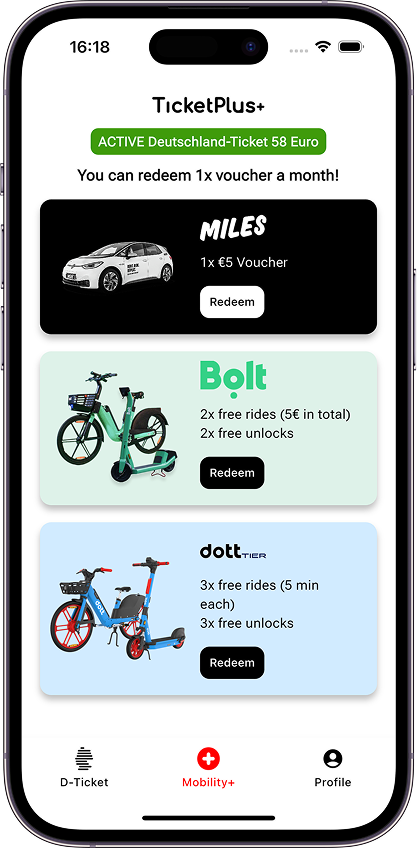
ALL-INCLUSIVE
Sharing for free
Select your preferred sharing provider each month!
MILES: Car Sharing
- 1x 5€ ride credit per month
- Available in 12 cities in Germany
- Berlin, Potsdam, Hamburg, Munich, Augsburg, Stuttgart, Frankfurt am Main, Cologne, Düsseldorf, Duisburg, Wuppertal, Solingen
dott: Scooter + E-Bike Sharing
- 3x 5 free minutes monthly, worth ~€5
- 3x free unlocks monthly, worth €3
- Available in over 90 cities in Germany
Bolt: Scooter + E-Bike Sharing
- 2x €2.5 ride credit per month (€5), enough for 15 free minutes
- 2x free unlocks per month
- Available in over 60 cities in Germany
Who we are?
As a Berlin-based company, we want to make the Deutschlandticket so simple that you never have to think about mobility again. Pausable, multimodal and simple – that’s how we envision the future of public transport.
Your ticket to unlimited mobility
FAQ - Deutschland-Ticket
Important: Your Deutschlandticket will only be activated at 3 a.m. on the 1st of the respective month, even if you have purchased it before then. Once payment has been successfully received, you can use your Deutschlandticket via the following applications:
Via our App
Or display your ticket on your mobile phone without the app (open link on smartphone)
This can have a few common reasons. Please check these four points, starting with the most common one.
1. You are logged in with the wrong account.
This is the most common reason for a missing ticket, especially if you paid with Apple Pay or Google Pay. These services often auto-fill your purchase with a different email (e.g., your Apple ID or Google account email) than the one you expected to use.
Solution: Please check your email inboxes for our order confirmation. The email address that received the confirmation is the only one linked to your ticket.
Log out of the app.
Log back in using the correct email address and the correct login method (e.g., if you bought with Google Login, you must log in with Google Login).
2. Your ticket is not valid yet (Timing).
The system activates the ticket for the upcoming month at a specific time.
Your ticket for the next month will only appear in the app on the 1st of that month at approximately 3 a.m.
This also applies to the very first ticket you purchased, if you bought it for a future month.
3. You purchased your ticket from a different provider.
Our app can only display tickets that were purchased directly from TicketPlus+. If you bought your Deutschlandticket from Deutsche Bahn, your local transport authority (e.g., BVG, MVG), or any other provider, it will not appear in our app.
Solution: Please use the app of the provider where you made the purchase to display your ticket.
4. A payment has failed.
If a payment for your subscription failed, no valid ticket could be issued for the month.
Solution: Please log in to your account on our website (not the app) and check the "My Ticket" section for any failed payments or outstanding orders. Once the payment is settled, your ticket will be activated.
You can change the personal details (name or date of birth) on your ticket yourself, but please note that this change can only be made once and is irreversible.
You can make the change in two places:
In the TicketPlus+ App:
Open the app and go to the "Profile" tab.
Tap on "Edit Profile & Address".
Enter your correct name and/or date of birth and click "Save change".
On the Website (Web App):
Log in to your account on our website.
Go to the "My Account" section.
Click on "Update Profile"
Enter your correct name and/or date of birth and save the changes.
Important: Your old ticket will become invalid immediately after you save. The change will appear on your new, valid ticket within approximately 5 minutes. Please be very careful before confirming the change.
You can find your monthly invoices in your account, but you can also have them sent to you automatically.
1. Manual Download:
Log in and go to "Orders and Invoices".
Click on the order for the respective month.
Click on "Options" and then "Download invoice".
Note: The invoice is only generated after your ticket has been successfully issued.
2. Automatic Email Delivery: You can activate the option to receive every invoice automatically via email in your Settings. Tip: Please check your billing address before activating this!
Important Address Requirements: Please enter your full billing address in your profile before the first invoice is generated (it cannot be changed retroactively).
Attention: Each line of your address (First/Last Name, Company, Street/No., Zip/City) must not exceed 35 characters.
You can easily change your email address yourself in your account on our website.
Log in to your account here using your current email address.
Once logged in, go to the "My Account" section.
Click on "Change E-mail" and enter your new email address.
Click on "Verify Email".
We will immediately send a confirmation code to your new email address.
Enter this code in the confirmation field to complete the change.
Your email address is now officially changed. Please remember to use this new email address the next time you log in to our website or the TicketPlus+ app.
What if I made a typo in my original email?
If you made a typo when you first registered and therefore cannot log in to change your email, please send a short message using the contact form. Our team will correct it for you.
1. What is the bonus?
The bonus is a €20 mobility credit for rides with our sharing partners (e.g., Dott, Bolt, or Lime). Please note: A cash payout or a deduction from the ticket price is not possible.
2. How to qualify for the bonus
To be eligible, please make sure you have completed these two steps:
Subscribe to our newsletter: You are signed up for our newsletter with your email address and have confirmed your registration.
Buy the Deutschlandticket: You have purchased a valid Deutschlandticket via our website or app.
3. How to redeem your bonus in the app
Once your ticket is active for the first time, please follow these instructions:
Download the TicketPlus+ App: If you haven't already, get the free TicketPlus+ App from the Apple App Store or Google Play Store.
Log in with your purchase email: Sign in to the app with the same email address you used to buy your ticket. This is crucial so we can link your account to your bonus.
Find the bonus button (in the first month): As soon as your ticket becomes valid for the first time (e.g., on the 1st of the month), you will find a button labeled "€20 New Customer Bonus" on the app's home screen (the "D-Ticket" tab).
Get bonus & copy codes: Click the button. You will automatically be assigned a €20 voucher for one of our partners (Lime, Dott, or Bolt). Copy the voucher codes that are displayed.
Redeem code with the partner: Open the respective provider's app and paste the copied code into their voucher section to redeem it.
If you need help redeeming, here are instructions from the providers:
One last tip: You can view all your active vouchers at any time in the app. Just go to the My Plus+ tab and tap on My Vouchers.
First, check the cause. The most common reasons are insufficient funds or a missing security confirmation in your banking app.
Note on security: Most banks require you to approve online payments immediately via Fingerprint, FaceID, or TAN in your banking app. Please have your app ready!
How to fix it:
If this was your first purchase: Don't worry, no order has been created yet. Simply try the purchase process again and make sure to confirm the payment in your banking app immediately.
If your monthly renewal failed: We have sent you an email with a payment link – simply click it to pay. Alternatively, log in to your account, go to "Orders and Invoices", and click "Pay now" next to the open order. Once paid, your ticket is valid again immediately ✅.
You are welcome to write to us a message here at any time. We will do our best to reply as quickly as possible. Please bear with us as we can only accept your request by message. This way we can assign you directly to your Deutschlandticket subscription. This is the quickest and most effective way to answer your request. For this reason, we unfortunately do not have a telephone number. However, we are currently receiving a lot of enquiries, which is why we need a little longer. For quick help in between, please browse through the FAQs.
Pausing is the flexible alternative to cancelling.
The Deadline: You can pause your subscription for the upcoming month until 24 hours before the end of the current month.
How to do it:
In the App: Simply go to the D-Ticket start page and click the "Pause" button.
On the Web: Go to "My Ticket" and select "Pause Subscription".
⚠️ Important Exception (First Month): If you bought your first ticket after the 10th of the month, you generally cannot pause for the immediately following month due to german tariff regulations.
No, unfortunately, that is not possible.
The Reason: Unlike buying clothes or electronics online, the statutory right of withdrawal does not apply to contracts for the transport of passengers (according to Section 312 (8) BGB). Since the ticket is digital and valid immediately upon issuance, it cannot be "returned."
What you can do: Even if you cannot cancel the current ticket retroactively, you can pause or cancel your subscription for the upcoming month (taking into account the applicable deadlines).